Tools & Software
Which Video Editing Platform Should You Use? Breaking Down the Pros, Cons, and Real-World Choices
Devon Li
September 18, 2026

Choosing a video editing platform can feel overwhelming—especially when each one promises to solve all your editing problems. This guide helps you cut through the noise by comparing the most popular tools, outlining their best features, and pointing out where each might fall short. Whether you’re just starting out or looking to switch things up, you’ll find advice grounded in real user experiences, not just marketing claims.
Let’s be honest—choosing a video editing platform can leave you second-guessing everything, especially when you’re bombarded with options that all sound the same. We know the feeling: you want something powerful but not overwhelming, flexible but not confusing. In this post, we’ll help you navigate the noisy landscape by comparing the top editing tools in plain language, with a focus on real pros and cons—not just the shiny feature lists.
Why Your Choice of Platform Matters
Few things are more frustrating than picking a new video editing tool, only to realize halfway through a project that it’s missing a crucial feature you need. We’ve all made that mistake. This section unpacks the core differences between leading platforms—like Premiere Pro, Final Cut Pro, and DaVinci Resolve—highlighting what each does best, and where they might trip you up. By referencing real user experiences and a bit of historical context (remember when editing was all about tape?), we help you spot which tool fits your style and workflow, so you don’t have to learn the hard way.
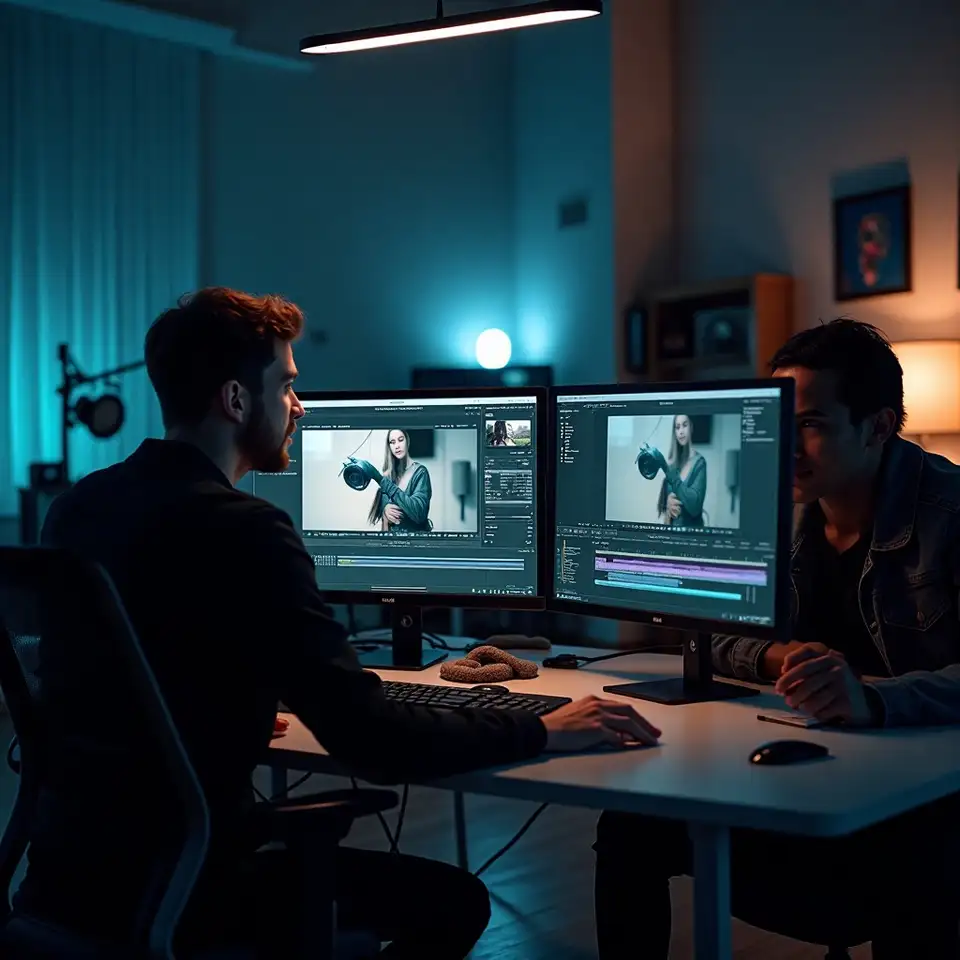
Strengths and Weaknesses of Leading Platforms
Premiere Pro is famous for its broad compatibility with other software, making it a favourite for editors juggling graphics, audio, and multiple formats. Final Cut Pro, meanwhile, is all about speed and streamlined workflows—especially if you’re working on a Mac. DaVinci Resolve stands out for its advanced color grading and robust free version. Each platform has quirks: Premiere can be resource-intensive, Final Cut’s interface feels odd if you’re coming from Windows, and Resolve’s steep learning curve can intimidate newcomers. Knowing these strengths and trade-offs makes it much easier to choose based on your real priorities, rather than hype or habit.

Making the Right Choice for Your Workflow
So how do you pick the right tool? Start by asking: what kind of projects will you edit most often? For fast-turnaround social content, simplicity and quick exports may matter more than advanced features. For narrative work or documentaries, a platform’s media management and color tools could be your deal-breakers. Talk to peers, try out free trials, and don’t be afraid to switch if your needs change. Many editors develop fluency in more than one tool over time. Your platform isn’t a lifelong commitment—it’s a creative partner that should adapt as you grow.